
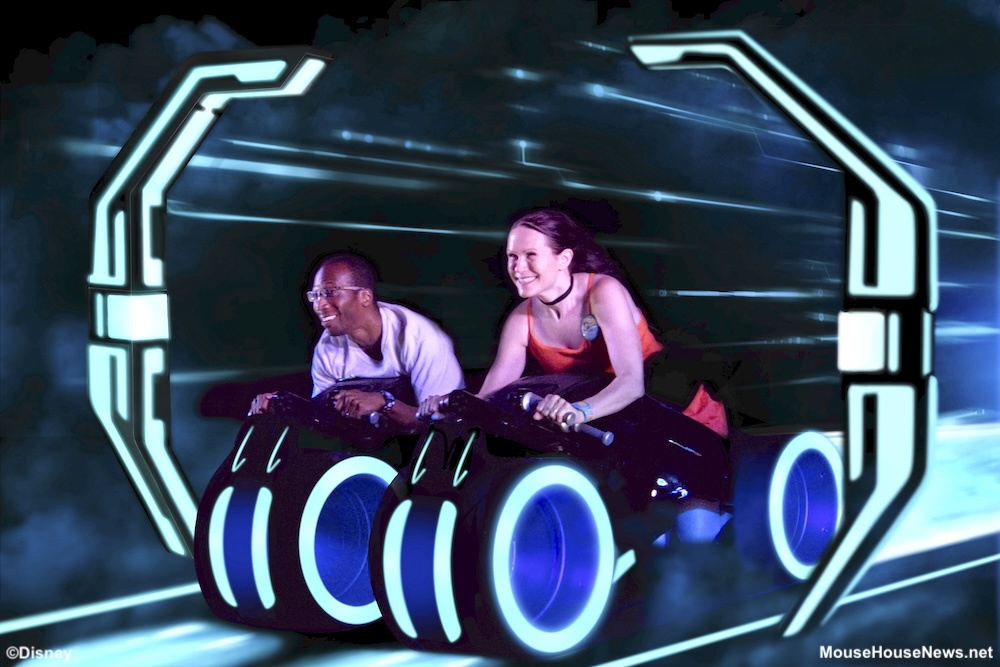
Say “cheese”! A trip to Walt Disney World provides plenty of opportunities to smile for the camera (or just smile in general). Disney makes it easy to snap photos of your whole group together by strategically placing PhotoPass photographers throughout the theme parks and resorts. Paying for all of the magical photos separately would get expensive. Luckily, Disney offers a product you can purchase that allows you to download all of the PhotoPass photos taken during your trip!
What Is Disney PhotoPass?
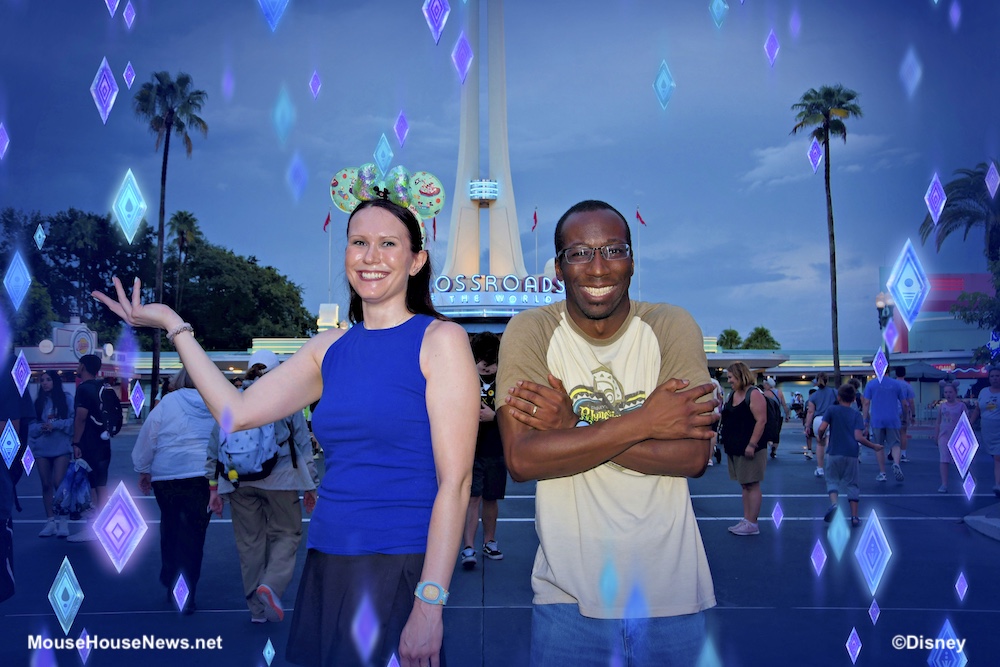
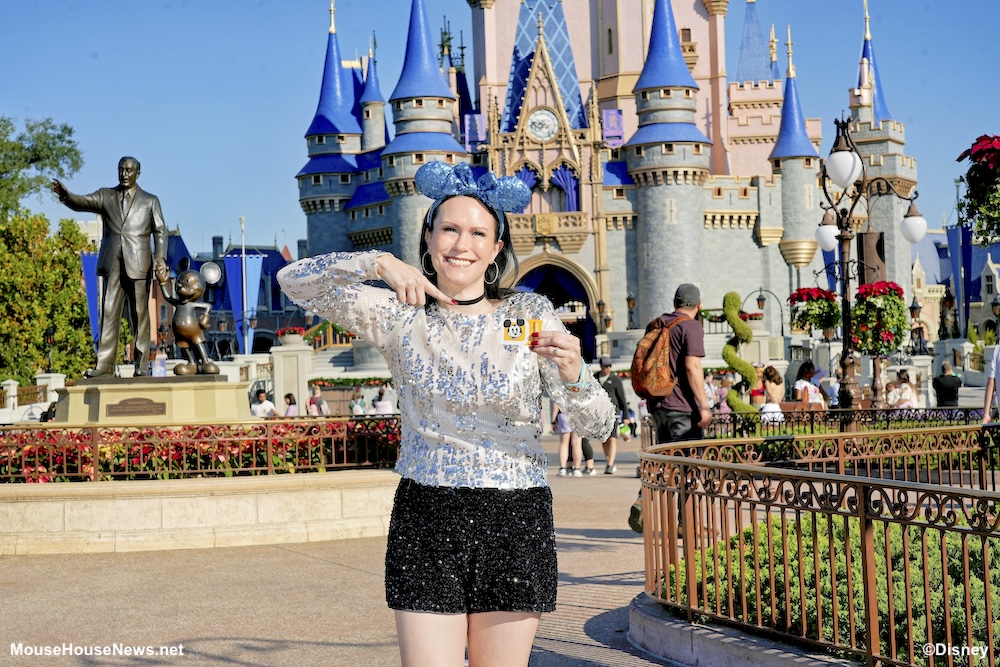
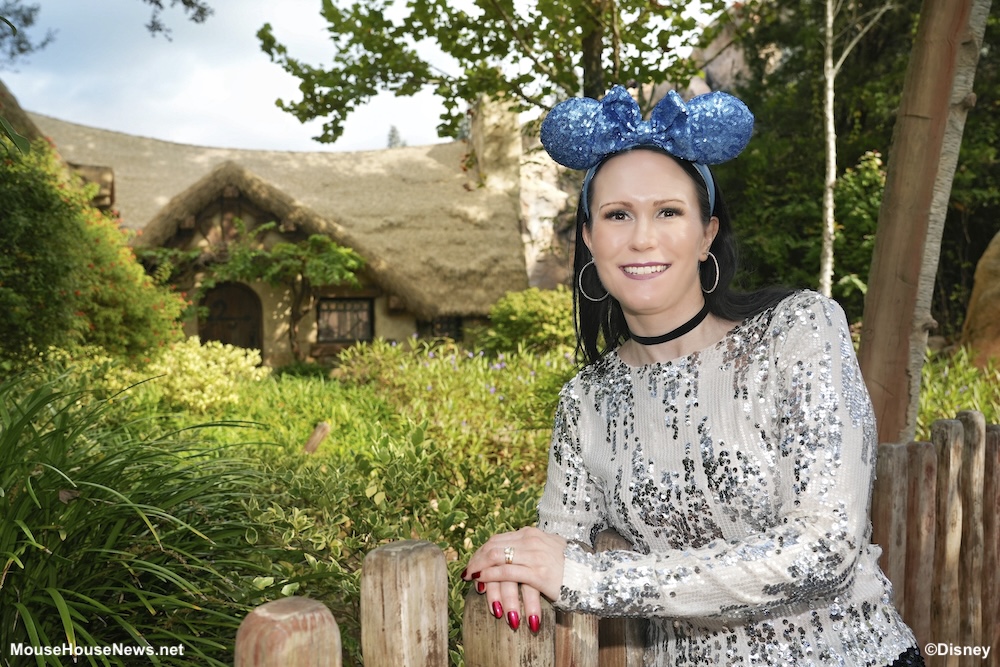
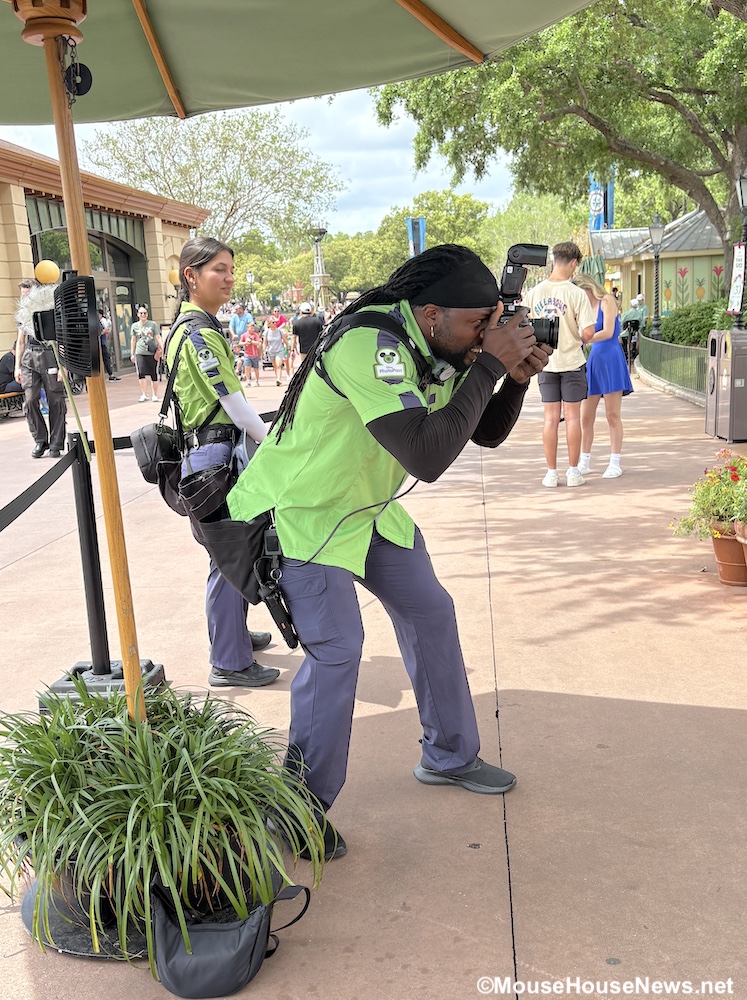
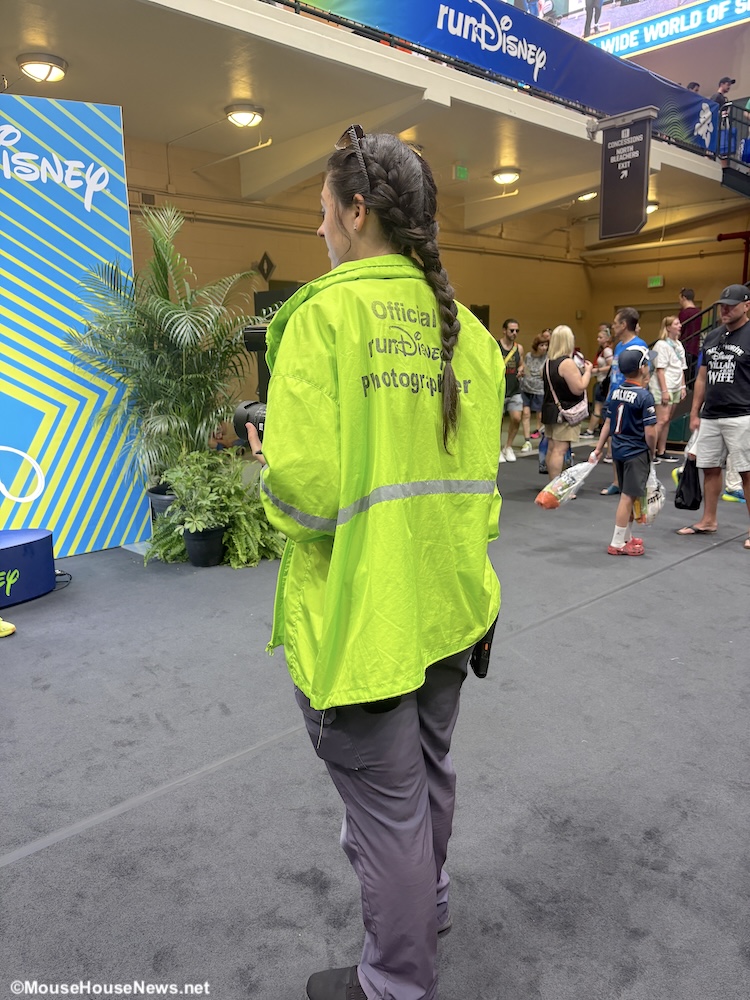
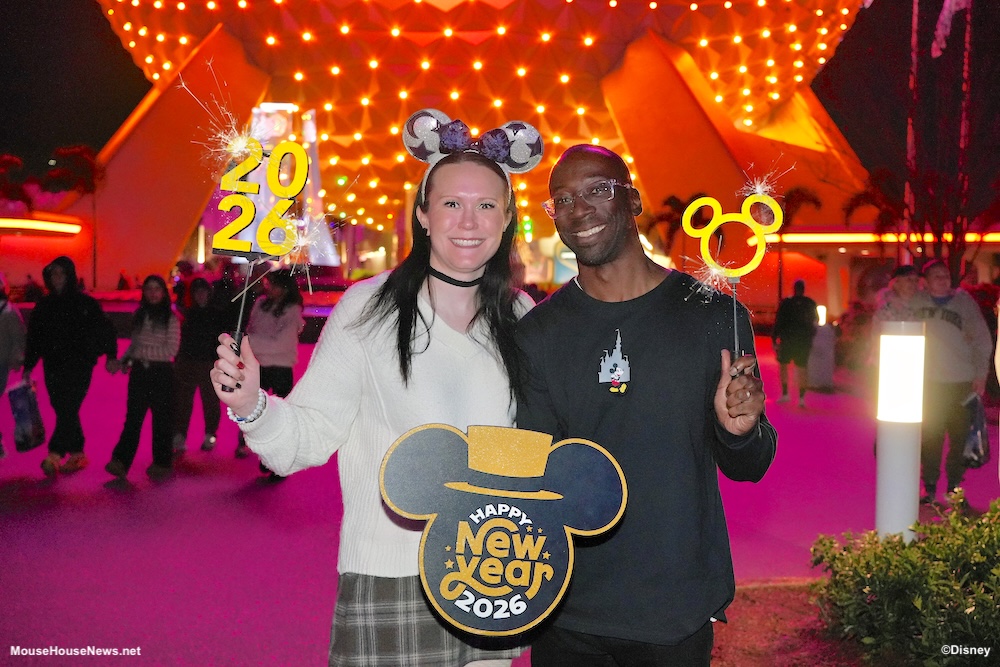
Disney offers a photography service called Disney PhotoPass. PhotoPass photographers are available at numerous locations in the theme parks, select Disney Resorts Collection Hotels, certain character dining locations, and even a couple of permanent PhotoPass studio locations. Using this free service is a great way to include everyone in the picture! Yes, this means that even your group’s resident photographer doesn’t have to be left out of the memories. You can even get unique poses, fun props, and special Magic Shots!

In addition to photos taken by Disney’s PhotoPass photographers, PhotoPass can also capture photos of you on select attractions. Certain attractions have video available as well. Some people say that if there’s no photo, it didn’t happen. Good thing Disney gives you a way to show everyone proof that it really did happen!
What Is Memory Maker?
Memory Maker is a paid photo package add-on that allows you unlimited digital downloads of every PhotoPass photo and video taken of your group during your Disney World vacation. One set price includes all photos, so there’s no need to purchase photos separately. This includes photos in front of park icons and other picturesque locations, attraction photos and videos, and photos taken at dining locations.
There are three Memory Maker packages from which you can choose:
- Memory Maker Advanced Purchase – priced at $185
- If you purchase Memory Maker at least 3 days in advance of your vacation, you can save $25 off of the regular price. You will receive all photos and videos taken within 30 days of activation. Any photos taken within 3 days prior to Memory Maker purchase are not included in this price. Those photos must be purchased separately.
- Memory Maker – priced at $210
- This package allows you to receive all photos and videos taken within 30 days of activation.
- Memory Maker One Day – priced at $85
- If you choose this option, you will receive unlimited digital downloads of all of your photos and videos from one day of your choosing.
Be sure to check on Disney’s website for the most up-to-date pricing. For comparison purposes, Disney currently lists the price for a single photo download at $16.95. If you know you’re going to want multiple photos from your trip, Memory Maker can definitely save you some money!
What You Receive With Your Memory Maker Purchase
As was previously stated, your Memory Maker purchase entitles you to an unlimited number of downloads of every photo and video captured during your vacation. You can even download photos for up to 25 people from your friends and family list that have their photos taken during your 30 day Memory Maker window as long as they have sharing enabled.
So, what kinds of photos can you get? Photo downloads include:
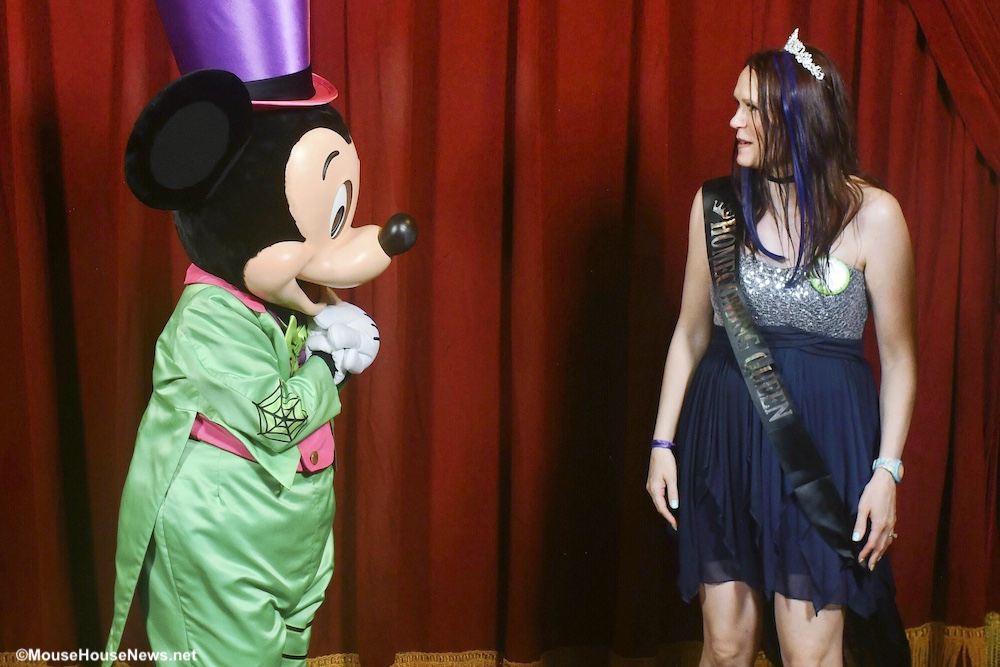
- every photo taken by Disney PhotoPass photographers (including in front of park icons and at character meet and greets)
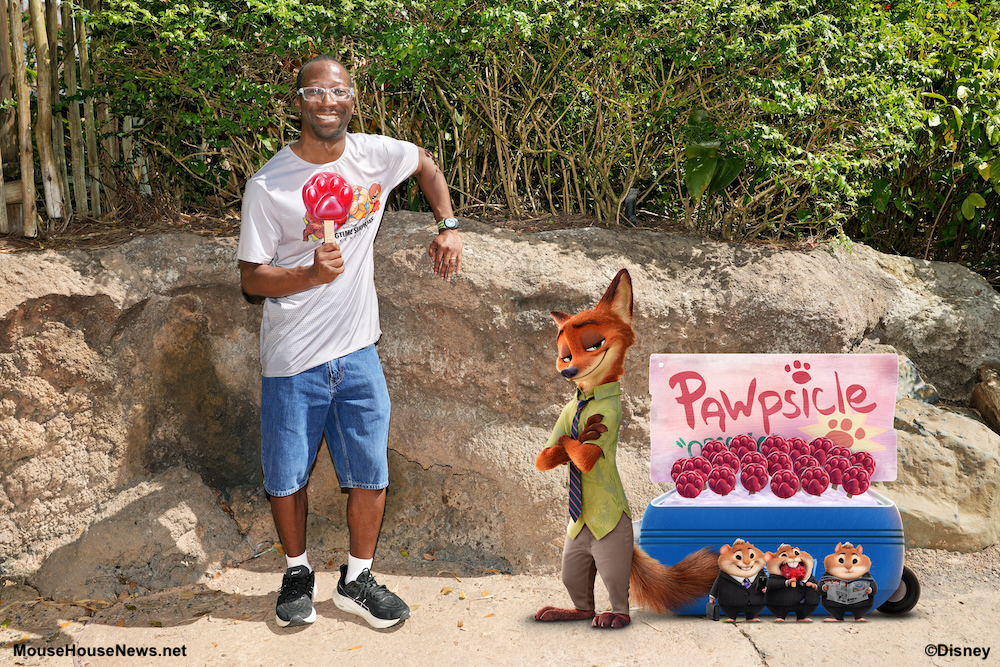
- all of the Magic Shots (photos with digital effects like characters or animations added)
- specialty photos like Tiny World and Super Zoom (available at select locations)
- photos taken at specified character dining locations
- attraction photos and videos (where available)
- all photos from reserved Capture Your Moment sessions (if applicable)
It may take up to 24 hours for photos and videos to be available for viewing and download. Once they’re available, you can start downloading immediately. Alternatively, you can wait until you get home and download all of your photos and videos at one time. Your images will be available for download from your My Disney Experience account for a specified time period. You currently have 45 days from the date a picture was taken to download it.
How Do You Link Your Photos?
Once you’ve purchased Memory Maker while logged into your MyDisney account, linking photos to your account is simple. Whenever you have your photo taken by a PhotoPass photographer, he or she will scan your MagicBand or MagicBand+, MagicMobile pass, or PhotoPass card to link them to your account.
Attraction photos are automatically linked to your My Disney Experience account when you use a MagicBand or MagicBand+ that is associated with your account. You don’t need to take any additional action with this method (but it’s recommended to make sure your MagicBand+ is charged).
You can also use your mobile device to automatically link attraction photos using Bluetooth technology. This means your phone must have Bluetooth turned on, and you need to enable Bluetooth access for your My Disney Experience app. It’s also important to make sure that your phone is not in low-power mode. Unfortunately, you can’t use an Apple Watch to automatically link photos and videos at this time.
Some attractions also have preview walls near their exits. You can tap your mobile device using MagicMobile, a park admission card, or your MagicBand or MagicBand+ to link your photos that way as well. Even though I’m never without my MagicBand+ (making the linking process automatic), I usually tap on my ride photos anyway to be extra sure.
Viewing Your Photos
Images from Disney PhotoPass have a watermark until you download them. When you click on a watermarked image for the first time, you’ll be prompted to select whether you want to activate your Memory Maker purchase (if you haven’t already done so).

Depending on if you are using the desktop website or the My Disney Experience app, the photo gallery may show up differently. Let’s quickly look at both ways, so you know where to find it.
Viewing the Photo Gallery on Desktop
Start by signing into your My Disney Experience account. From there, scroll down on the main page to the “My Plans, Reservations and Tickets” section. It automatically displays a Daily Itinerary schedule, but there is another tab next to that where you can click to see your tickets, passes, and Memory Maker purchases. You’ll be able to click on “View Photos” under the Memory Maker confirmation to see a gallery of downloadable images.
Viewing the Photo Gallery on Your My Disney Experience App
When you open your My Disney Experience app, at the lower right hand corner there is a hamburger menu. Tap on those three lines, and it will take you to a screen with options like to view your tickets and passes, reserve dining, order food, etc. Scroll down to the Disney PhotoPass section. From there, you can tap on “Photo Gallery” to view your photos. Again, these images will have watermarks until you activate Memory Maker.
Pros and Cons: Is Memory Maker Right for You?
By now, you may have already decided whether or not Memory Maker is right for you. However, let’s go over the pros and cons one more time in case you are still undecided.
Pros:
- Unlimited downloads of all Disney PhotoPass photos and videos taken during your trip. This includes character meetings, on-ride photos, and Magic Shots. You don’t have to pick and choose which photos you want to buy.
- Professional quality photos that are taken on professional equipment. You also get unlimited downloads of “extras” like Magic Shots and specialty photos.
- If you paid for a Capture Your Moment session, Memory Maker gives you access to every photo taken during those purchased sessions.
Cons:
- Obviously the upfront cost can be steep. You can save a little bit of money by purchasing Memory Maker in advance. Alternatively, you can purchase the Single Day Memory Maker or the individual photos that you really want if you don’t want everything.
- Not every attraction has an on-ride photo.
- Lines for some PhotoPass photographers can be long at peak times of day.
- If your group does not want stop for photos or will not be taking photos frequently, it may not be a good value.
How to Make the Most of Your Memory Maker Purchase
The number one tip for making the most of your Memory Maker purchase is to obviously take lots of photos! You don’t have to get in line for every photographer you see (although you certainly can!). It’s worth stopping for a photo in front of a park icon or other place that you’d really like to commemorate.
Photographers are often ready to offer Magic Shots or photo props if they have them available without your even having to ask. You won’t always know exactly what kind of magic is being added to your picture ahead of time, but the surprise is half the fun!
Consider taking photos at different times of day, especially with iconic backdrops. Cinderella Castle during the daytime? Gorgeous. Cinderella Castle at night? Still gorgeous. Take all the pictures! After all, variety is the spice of life.
Finally, ride the attractions that have on-ride photo capability. If you want to have bragging rights back home, get the photographic proof that you conquered Space Mountain, Tower of Terror, Cosmic Rewind, and more. Attraction photos (and the natural expressions we make when not posing) can make for some of the funniest vacation memories.
Concluding Thoughts
Memory Maker is not for everyone. Budget is obviously a consideration, as is whether or not your group actually likes taking photos. Remember, you don’t have to purchase add-ons to capture your vacation memories. If you only want a couple of photos, consider purchasing them individually. You can also always ask a PhotoPass photographer or even a stranger to take a photo for you with your own device for free. Memory maker is nice to have, but it’s not mandatory for a memorable vacation.
If you’re ready to start planning your magically memorable Disney vacation, click the button below to request a free quote!

I definitely recommend purchasing Memory Maker if you think you’ll use it enough to justify the cost. I also suggest stopping by the PhotoPass studio at Disney’s Grand Floridian Resort & Spa during your trip. You can take some extra special pictures with photo props including Cinderella’s famous glass slipper! For more Disney news, reviews, and suggestions to make your next trip extra magical, stay tuned to MouseHouseNews.net. We’ll see you real soon!